





Palette
Brand colors and logo
Excel logo colors
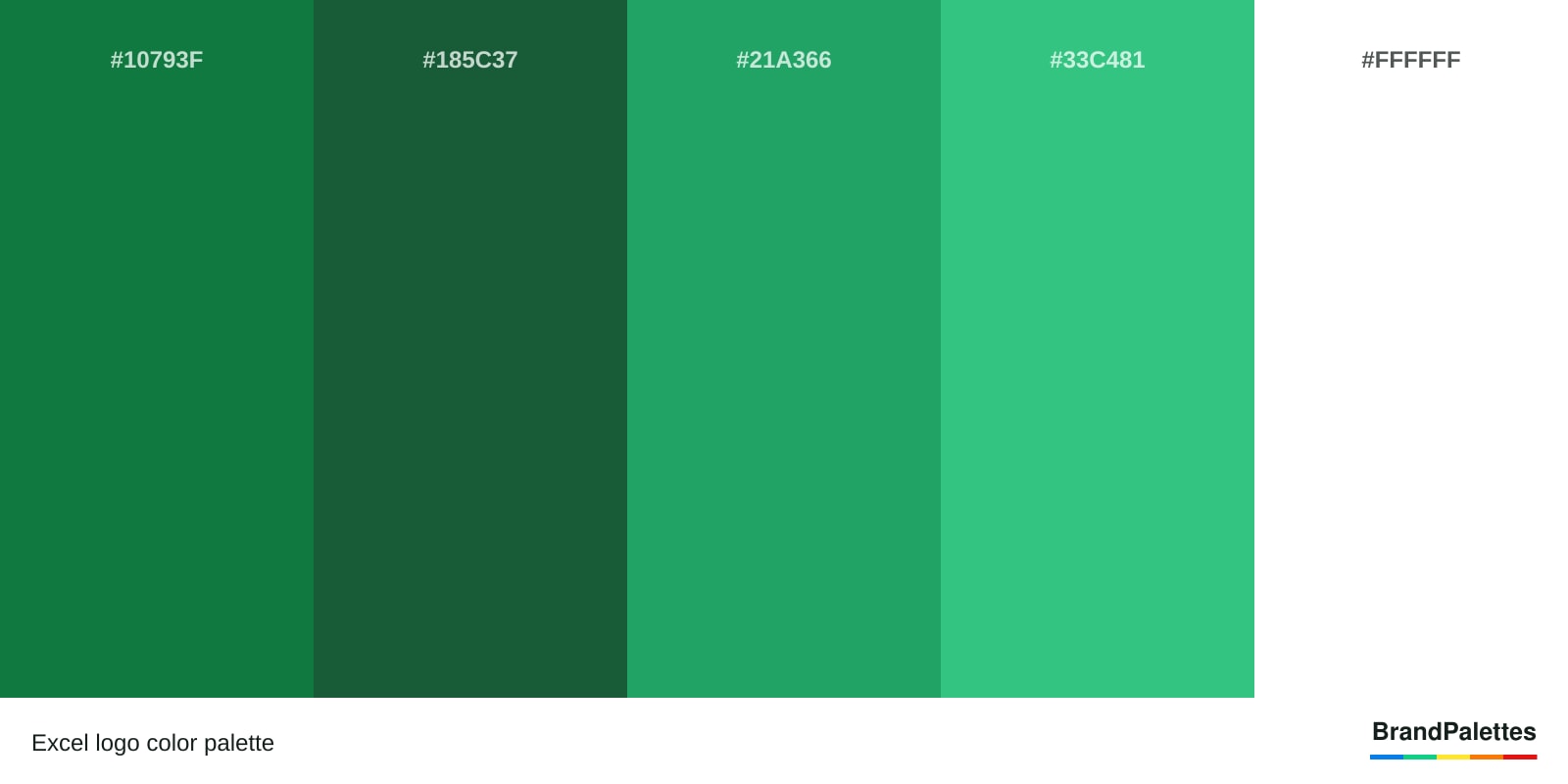
The Excel logo palette has 5 colors: Excel Green (#10793F), Dark Green (#185C37), Jungle Green (#21A366), Shamrock Green (#33C481) and White (#FFFFFF). Copy the complete palette in HEX, RGB, CMYK and Pantone formats.
- Brand
- Excel
- Industry
- Technology & software
- Palette
- 5 colors
- Palette since
- 2019
Complete reference
Excel color codes
Click any value to copy it instantly.
Excel Green
#10793F- HEX
- RGB
- CMYK
- Pantone
Dark Green
#185C37- HEX
- RGB
- CMYK
- Pantone
Jungle Green
#21A366- HEX
- RGB
- CMYK
- Pantone
Shamrock Green
#33C481- HEX
- RGB
- CMYK
- Pantone
White
#FFFFFF- HEX
- RGB
- CMYK
- Pantone
All formats
Excel color codes at a glance
| Color | HEX | RGB | CMYK | Pantone |
|---|---|---|---|---|
| Green | #10793F | 16, 121, 63 | 88, 28, 99, 16 | PMS 7732 C |
| Dark Green | #185C37 | 24, 92, 55 | 87, 38, 90, 34 | PMS 7483 C |
| Jungle Green | #21A366 | 33, 163, 102 | 80, 10, 80, 1 | PMS 7731 C |
| Shamrock Green | #33C481 | 51, 196, 129 | 70, 0, 68, 0 | PMS 7479 C |
| White | #FFFFFF | 255, 255, 255 | 0, 0, 0, 0 | PMS 7732 C |
Palette image
Download the Excel color palette
High-resolution PNG and JPG files.
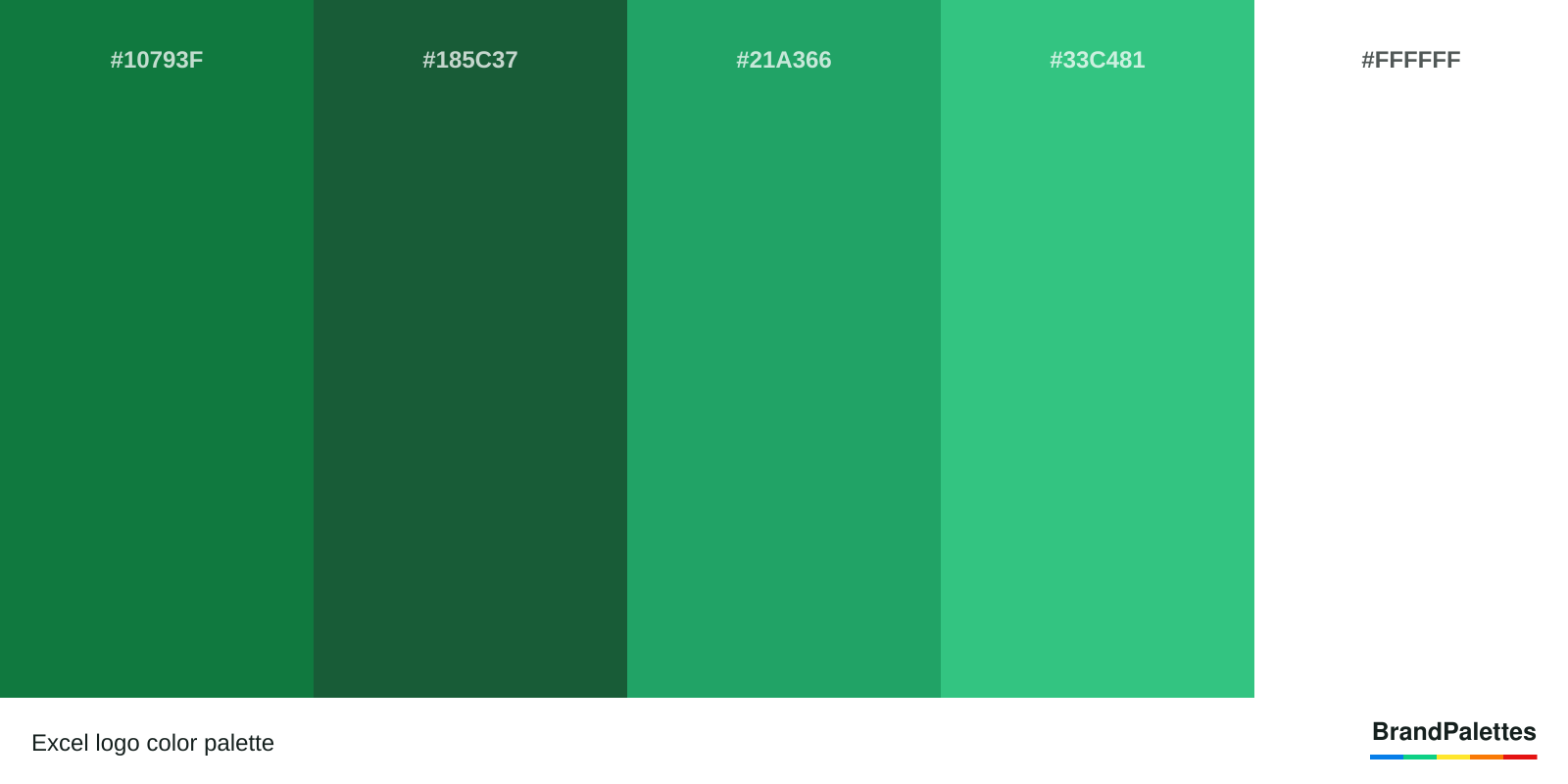
Excel logo color palette
1600 × 800 pxQuick answers
Excel logo questions
What is the Excel color palette?
The official colors of Excel are Excel green, dark green, jungle green, shamrock green, and white. Excel’s logo colors represent quality, growth, and simplicity. Excel’s color palette has changed in 2019. The Excel color scheme can be used for design projects and purposes. The Excel color codes and scheme for Pantone, HTML, HEX, RGB, and CMYK can be found below.
What are the Logo Colors of Excel?
Excel logo has Excel green, dark green, jungle green, shamrock green, and white colors and a rounded square object containing the letter “X“ in front of a sheet composed of different rectangular objects of varying shades of green. The Excel logo meaning symbolizes efficient data processing.
Excel Logo Fonts
The Excel logo font is Segoe. The Segoe font is used for the logo and branding. The Segoe font was created by Microsoft. Excel’s font is also used by Word, Outlook, and Microsoft Office brands.
What Is the Meaning of the Excel logo?
Excel logo meaning is efficient data processing through the use of an intuitive spreadsheet software. Excel logo colors represent quality, growth, and simplicity. The Excel green and dark green colors from Excel’s logo represent quality. The Jungle green and shamrock green colors from Excel’s logo symbolize growth. The white color from Excel’s logo symbolizes simplicity.
Excel Logo Story
Excel logo has been created by Microsoft. Microsoft has created the Excel logo and chosen Excel green, dark green, jungle green, shamrock green, and white as the Excel brand color palette because of their correlation to growth and expansion which ties to data processing.
Excel Logo Colors Confirmation
Excel logo colors are confirmed by the Excel company. The Excel green, dark green, jungle green, shamrock green, and white colors for the Excel brand logo can be confirmed by visiting the Excel official website.
Keep exploring
Related brand palettes
2 colors

Shopify
3 colors

Google Meet
6 colors

Neo
2 colors

NXP
5 colors
